Introducing LazyBackup
A self-hosted From → To backup manager for paths, Docker volumes, and database dumps—between this host, SSH servers, and S3.
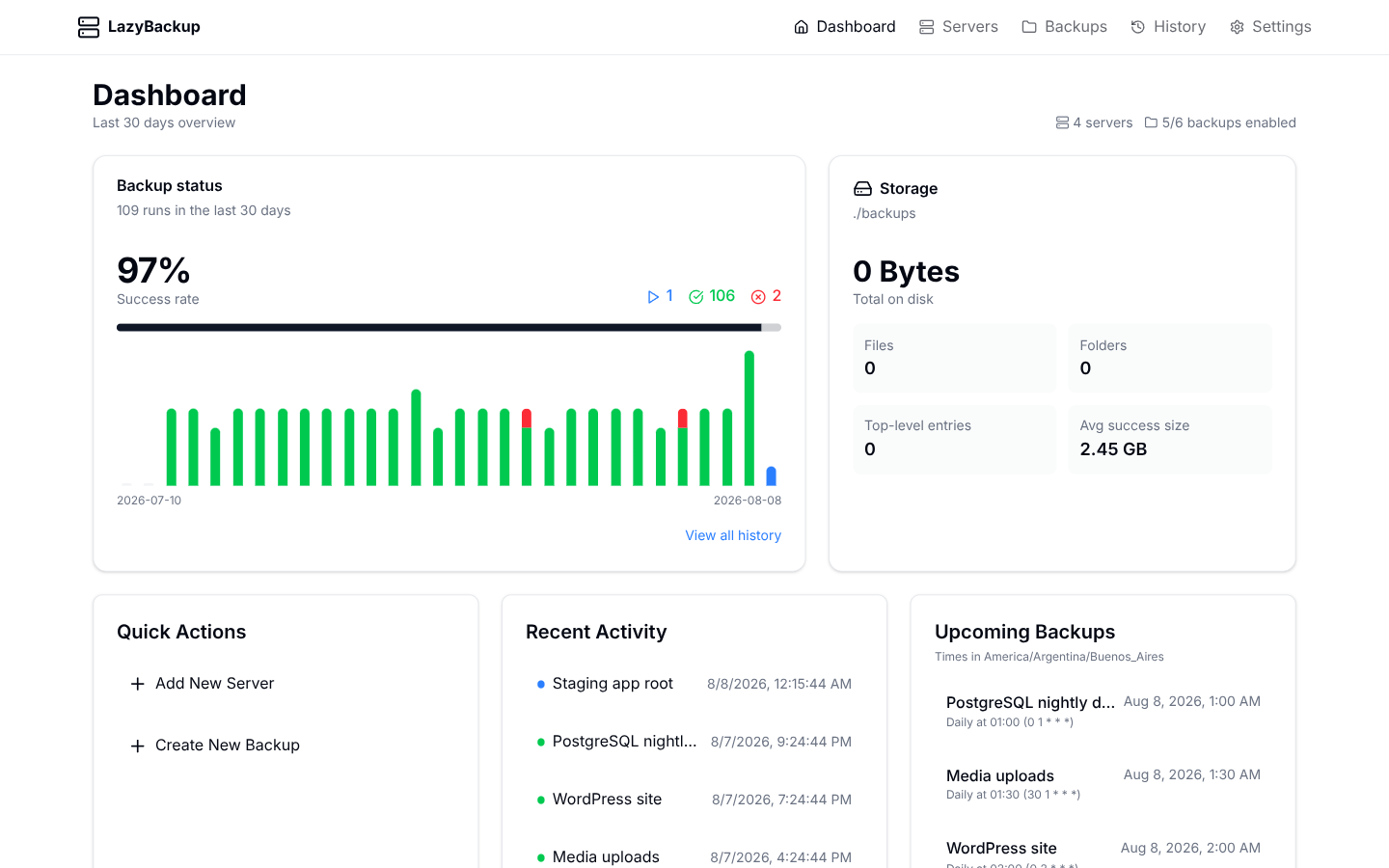
LazyBackup is a self-hosted web app for people who already run VPS boxes, Docker stacks, and the occasional “I’ll write a cron later” script. You point it at endpoints, define a From → To job, and it transfers the data on a schedule—with history, retention, and restore when you need it.
No agents to install on every machine. No cloud account required. One container (or a Bun process), SSH keys for your servers, and optional S3-compatible storage.
The idea: From → To
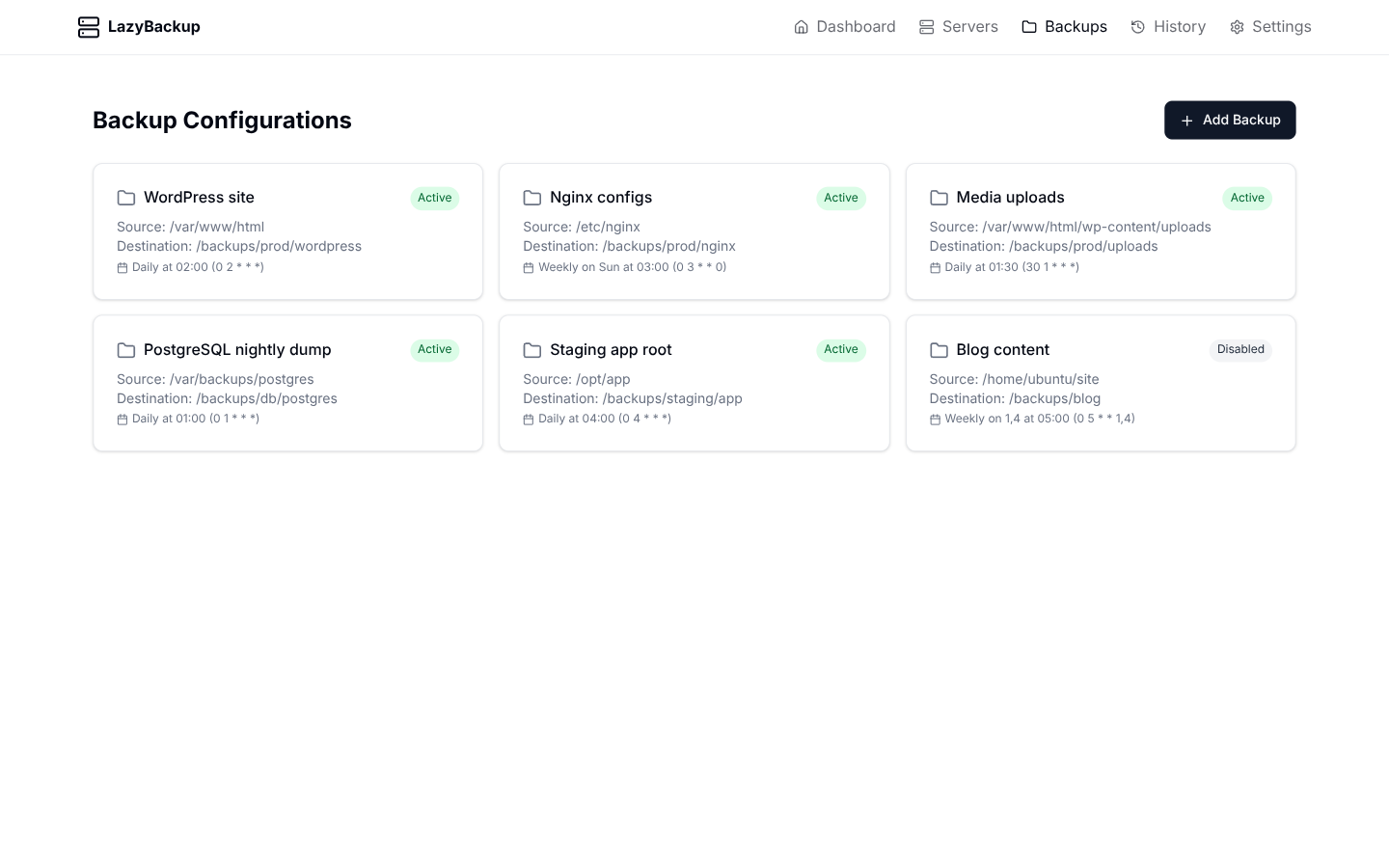
Every backup is a transfer between endpoints. Each side can be this host (where LazyBackup runs), an SSH server, or an S3-compatible profile (MinIO, R2, B2, AWS, …). That covers the directions people actually need: local↔local, local↔server, server↔server, and anything with S3 in the mix.
- Paths — rsync/scp between filesystems or object prefixes
- Docker volumes — pack a named volume on a source server or this host’s Docker socket to .tar.gz
- Databases — Postgres / MySQL / MariaDB / SQLite logical dumps to .sql.gz or .sqlite.gz
- Bro Space — land age-encrypted blobs on a friend’s LazyBro or another LazyBackup (mailbox sync)
Server → server without babysitting
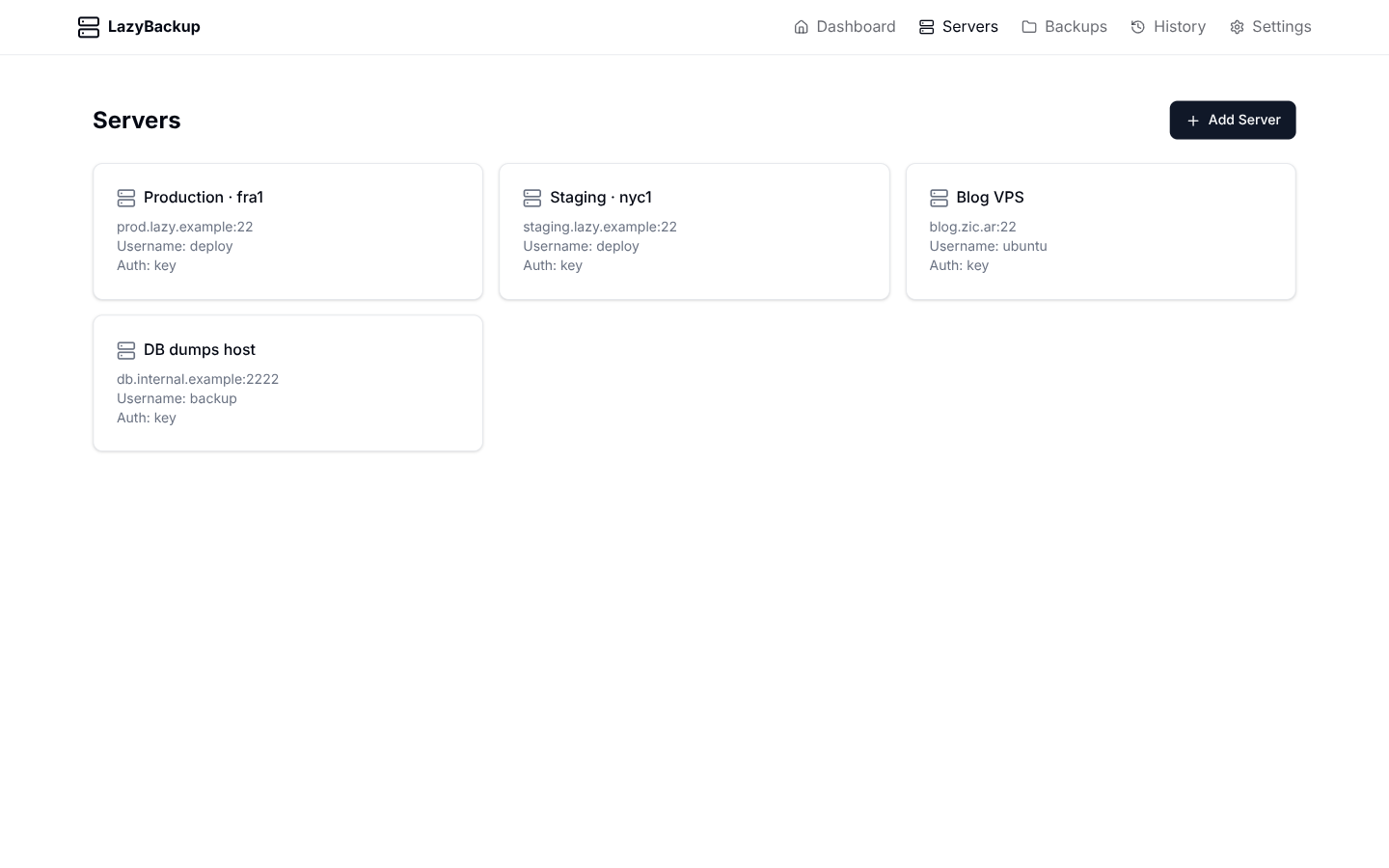
When both ends are servers, LazyBackup prefers a direct path: it installs an ephemeral SSH key on the destination so the source can rsync straight across. If the source cannot reach the dest, it relays through the LazyBackup host (pull, then push). S3 transfers always relay via the host.
Schedule, retain, restore
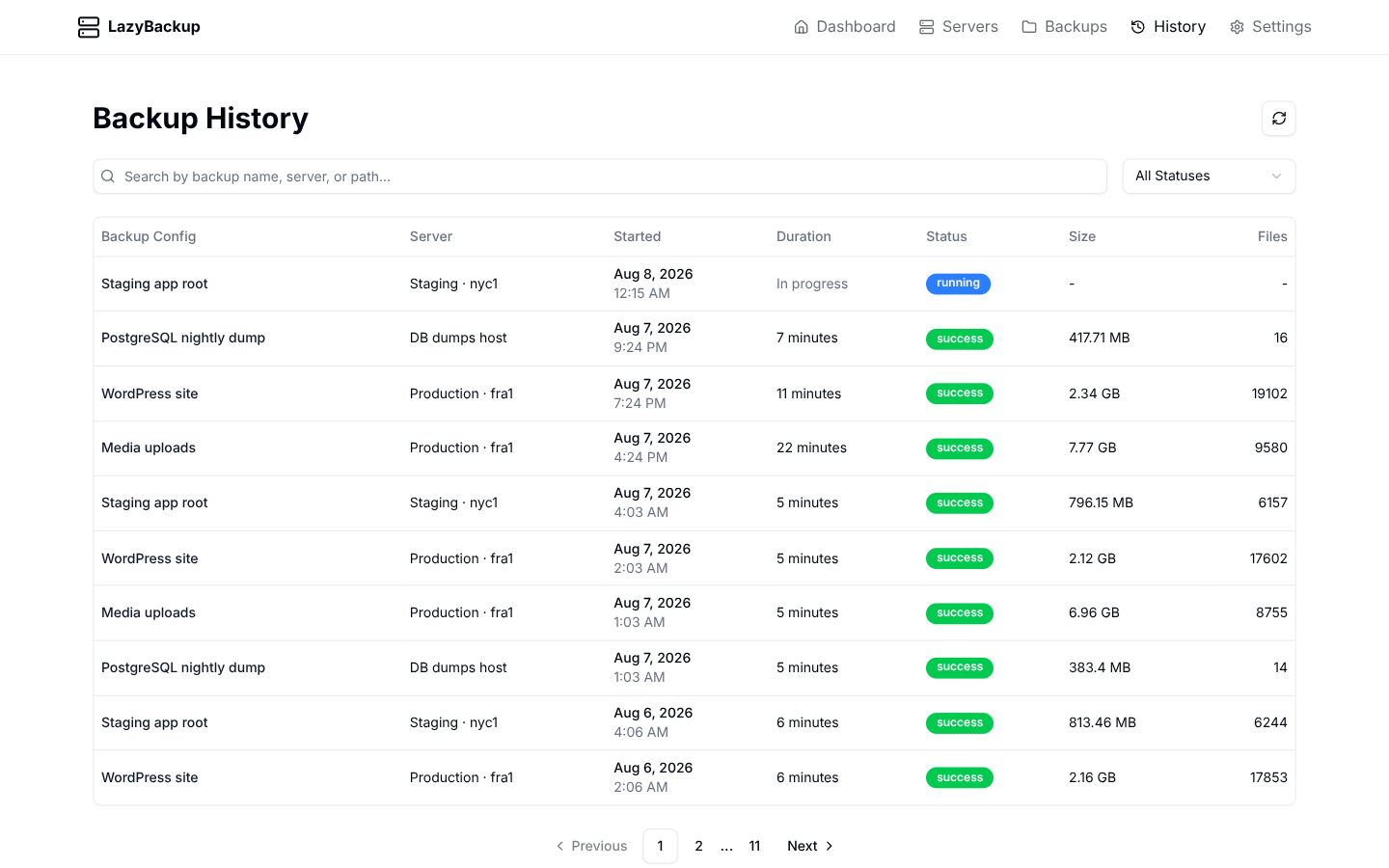
Cron runs in your app timezone. Optional versioning creates timestamped folders; file retention cleans dump-style destinations by age (local, S3, or Bro mailbox). History keeps run status, sizes, and logs. Path, volume, and database restores work from History when the artifact is local, on S3 or Bro, or on an SSH destination with a key—or download the file without restoring in place.
Who it’s for
- Homelab and self-hosters who want a UI over ad-hoc rsync scripts
- Small teams managing a handful of VPS with Docker and databases
- Anyone who wants From → To clarity instead of “backup means pull to this box only”
Get it running
docker run -d \
  --name lazybackup \
  -p 3000:3000 \
  -v lazybackup_data:/app/data \
  -v ./backups:/backups \
  -v ~/.ssh:/root/.ssh:ro \
  -e DATABASE_URL=file:/app/data/data.db \
ghcr.io/ceneka/lazybackup:latestFor a hands-on dump walkthrough, see Easily back up a Docker database—logical dumps for Postgres/MySQL/MariaDB, not volume tarballs. Land those dumps on S3/MinIO/R2 in the sequel: Database dumps to S3. To lend encrypted space to a friend, see Share backup space with Bro Space.