Failure webhooks: Discord, ntfy, and Uptime Kuma
Wire LazyBackup’s backup.failed webhook to Discord, ntfy, or an Uptime Kuma push monitor—using the built-in presets and {{tag}} templates.
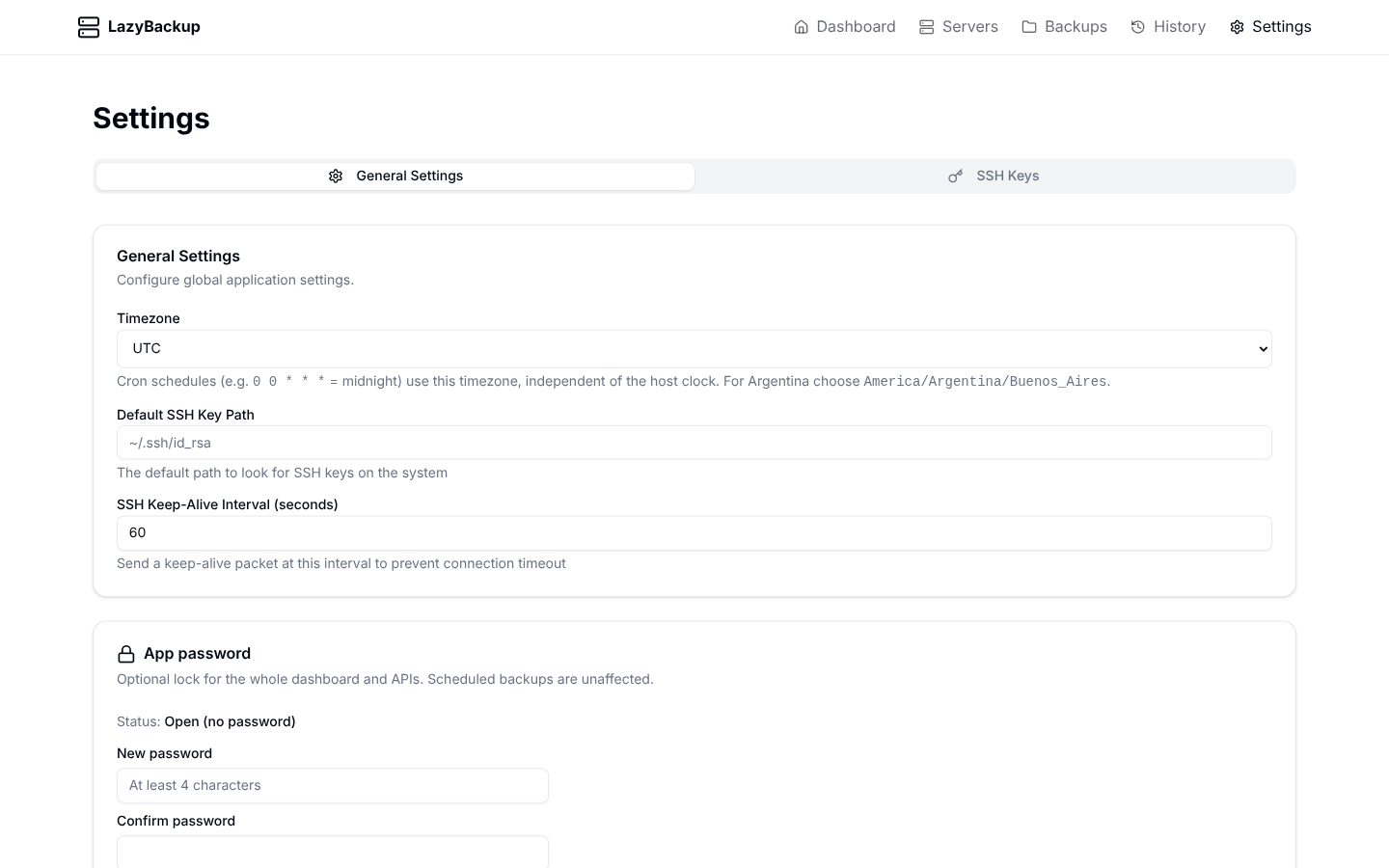
Cron backups fail quietly if nobody is watching History. LazyBackup can POST (or GET) a failure notification when a job ends badly—one URL under Settings → General, optional headers and body templates, and presets for the tools homelab operators already run.
Where it lives
- Open Settings → General
- Find Failure webhook (method, URL, headers, body)
- Pick a preset or start from Default JSON
- Send test notification, then save
Tags you can use
URL, headers, and body support {{tag}} placeholders. Unknown tags are left as-is. In URLs, values are URI-encoded so query strings stay valid.
- {{event}} — always backup.failed for this path
- {{backupName}} — job name (may be empty)
- {{configId}} / {{historyId}} — IDs for deep links or log correlation
- {{errorMessage}} — failure text from the run
- {{endedAt}} — ISO timestamp
If the body template is empty on POST/PUT, LazyBackup sends the built-in JSON payload:
{
  "event": "backup.failed",
  "backupName": "Daily DB",
  "configId": "…",
  "historyId": "…",
  "errorMessage": "…",
  "endedAt": "2026-08-12T12:00:00.000Z"
}
Discord
Create an Incoming Webhook in your Discord channel (Channel settings → Integrations → Webhooks). In LazyBackup, choose the Discord preset and paste that URL.
Method: POST
URL:    https://discord.com/api/webhooks/ID/TOKEN
Header: Content-Type: application/json
Preset body (you can edit the content string):
{
  "content": "**Backup failed:** {{backupName}}\n```{{errorMessage}}```\n_History:_ `{{historyId}}` · {{endedAt}}"
}
ntfy
ntfy is a simple topic publish. Use the public ntfy.sh service or your own server. The preset sets Title / Priority / Tags headers and a plain-text body.
Method:  POST
URL:     https://ntfy.sh/your-topic
Headers:
  Title: LazyBackup failure
  Priority: high
  Tags: warning,backup
Body:    {{backupName}}: {{errorMessage}}
For a private topic, add an Authorization header (or ntfy’s token header) in the headers field—line format Name: value, or a JSON object.
Uptime Kuma push monitor
Create a Push monitor in Kuma and copy the push URL. The Kuma preset uses GET with status=down and the error in msg—so a failed backup flips the monitor down with context.
Method: GET
URL:    https://kuma.example.com/api/push/TOKEN?status=down&msg={{errorMessage}}&ping=
Body: (unused for GET)Also in the preset list
- Telegram — Bot API sendMessage; replace BOT_TOKEN and CHAT_ID
- Slack — Incoming webhook with a text field
- Default JSON — empty body template → built-in backup.failed object
Quick checklist
- HTTPS URL (or LAN http)
- Preset that matches your tool, then replace placeholders
- Send test notification before you trust cron
- Status posture will nag if webhooks are still empty—optional but useful