Database dumps to S3 (MinIO, R2, B2)
Sequel to the Docker database guide: land Postgres/MySQL/MariaDB .sql.gz dumps on S3-compatible storage—MinIO, Cloudflare R2, Backblaze B2, or AWS.
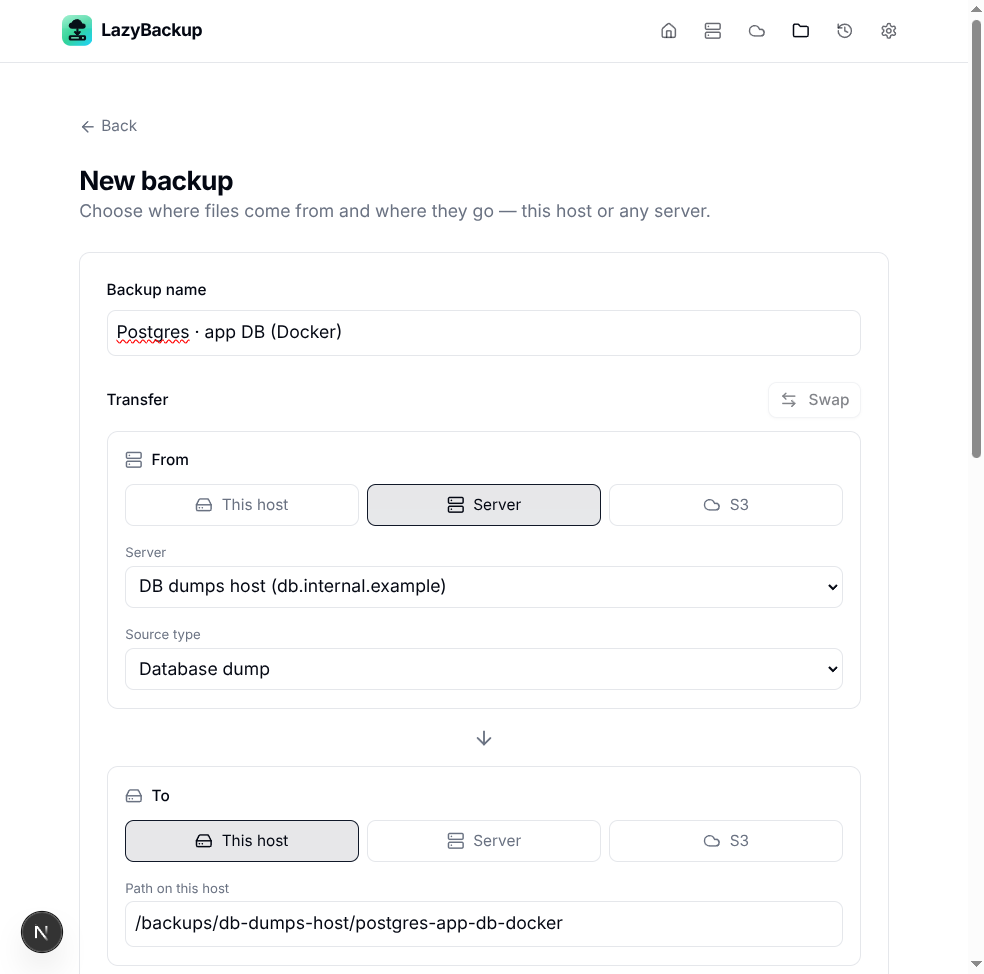
The Docker database post ends with a .sql.gz on this host or another server. Off-box object storage is the usual next step: keep dumps off the app VPS, version them cheaply, and restore by downloading first. LazyBackup treats S3-compatible profiles as first-class To endpoints—same database dump source, different destination.
Step 1 — Add an S3 profile
Open S3 Profiles → New. Fill endpoint, region, bucket, access key, and secret. For MinIO, Cloudflare R2, and Backblaze B2, enable path-style (forcePathStyle) when the provider expects it—LazyBackup’s form exposes that toggle.
- MinIO — your https://minio.example.com (or :9000) endpoint + path-style
- Cloudflare R2 — R2 S3 API endpoint for the account/bucket; path-style as documented by Cloudflare
- Backblaze B2 — S3-compatible endpoint for the bucket’s region
- AWS S3 — standard regional endpoint; path-style usually off
Use Test connection on the profile before you point jobs at it. Secrets never come back in GET responses—leave the secret blank on edit to keep the stored value.
Step 2 — Database dump → S3 prefix
Create or edit a backup. Keep Source type = Database dump (Postgres / MySQL / MariaDB; native or Docker exec). Set To → S3, pick the profile, and choose a prefix (destination path field)—for example backups/app-db/ or prod/postgres/.
From:  Server (or local) → Database dump → .sql.gz
To:    S3 profile → prefix e.g. backups/app-db/
Relay: always via the LazyBackup host (upload after dump)
S3 transfers always relay through the LazyBackup host: dump to a temp file, then upload. There is no direct server→bucket pipe that skips the host.
Step 3 — Retention and encryption
- File retention — age + min-keep on the destination prefix so old dumps are deleted from the bucket
- Versioning — timestamped sub-prefixes if you prefer snapshot folders over flat dump files
- age encryption — optional enableEncryption so the object is ciphertext before upload (needs an active key in Settings → Encryption)
Validate before run is useful here: it probes SSH/DB and the S3 profile without uploading a dump. Open the backup detail → Validate; the last result sticks until you edit the job.
Restore from S3
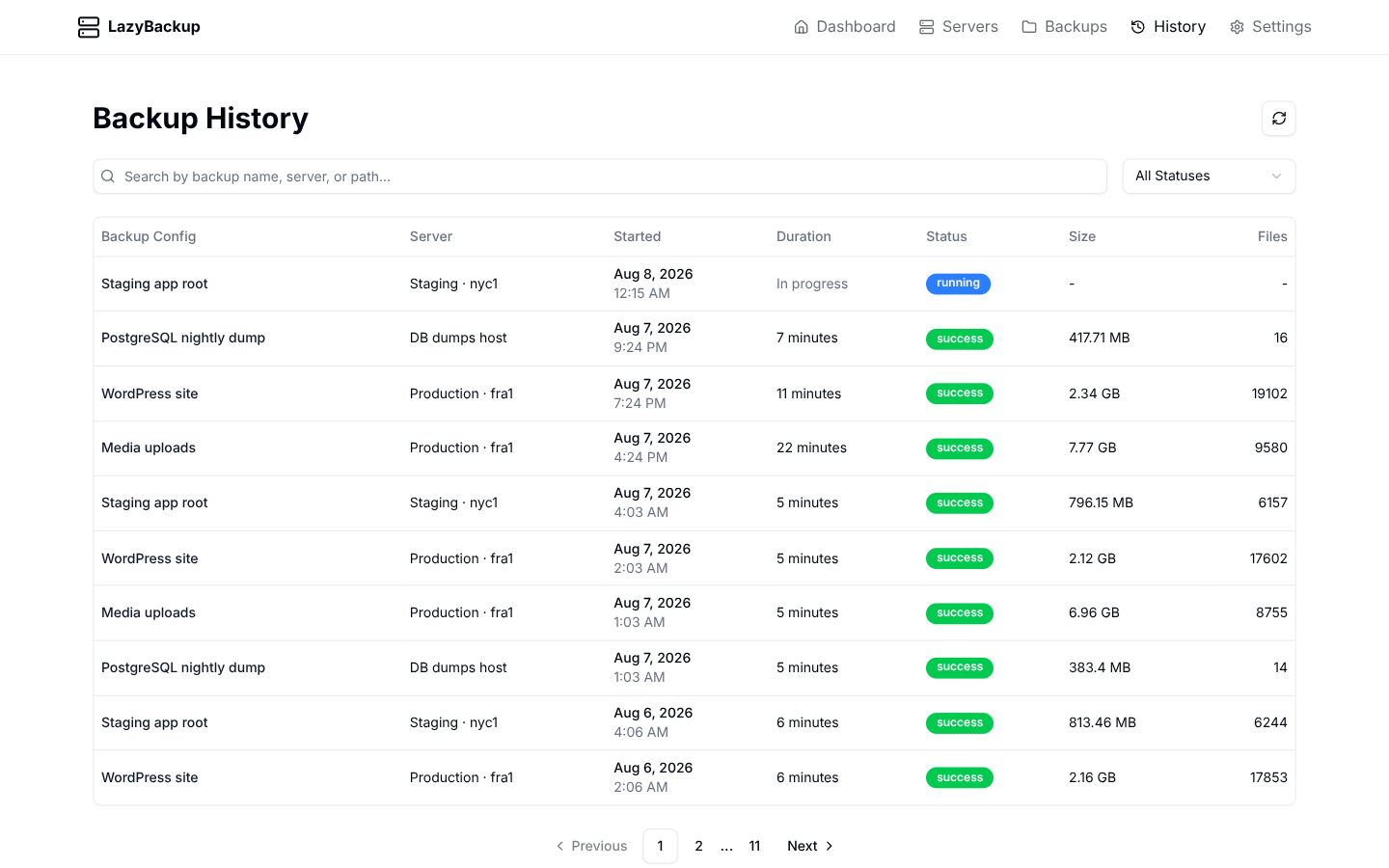
From History → Restore on a successful database run, LazyBackup downloads the artifact from S3 first, then pipes into psql/mysql (native or docker exec). Encrypted .age objects decrypt with vault identities automatically.
Quick checklist
- S3 profile tested (endpoint, bucket, keys, path-style if needed)
- Source = Database dump (not a volume tarball)
- To = S3 + prefix you’re happy to retain/delete
- Validate once, then cron + retention
- Optional: age encrypt before land; failure webhook if the upload path breaks